
Under the Hood of the Latest Firefly Models
It All Begins Here
Adobe Creative Cloud includes a suite of image-to-video models. Let’s check them out!
Many AI video creators want spectacular, realistic clips with dramatic motion, heavy camera moves, or entirely synthetic scenes. For professional content workflows, that’s often the wrong benchmark.
I wanted to show a more practical use case: taking a simple, static stock image and adding just enough motion to make it usable as background video, B-roll, or a transition. Using Adobe Firefly as the interface, I ran the same image and text prompts through the third-party image-to-video models available within Firefly to compare cost, render time, and how closely each model followed restrained instructions.
The project
If you already use Adobe Creative Cloud apps like Premiere Pro, After Effects, Photoshop, or Illustrator, you have access to Adobe Firefly and credits. Firefly acts as a front end to multiple third-party video models like Veo, Sora, and Runway allowing direct comparisons using identical inputs.
Before looking at results, it’s worth defining what’s being tested. This did not test text-to-image model.
Instead, we looked at the image-to-video (i2v) model, which starts with a text prompt or still image (or both) and generates a short video clip by predicting how elements in that image might move over time. Instead of inventing an entire scene, the model extrapolates motion—fog drifting, lights blinking, subtle camera movement—based on both the image and a text prompt.
For this test, the reference image was a free Adobe Stock photo of a vintage movie camera in light fog. The text prompt was intentionally conservative:
“Very subtle, realistic motion only. Professional, restrained tone. The fog slowly lifts and dissipates. A small indicator light blinks on the camera body. All other elements remain still. No people, no dialogue, no text.”
We were most interested in how the models would animate only the fog as it lifts and dissipates, and add subtle blinking indicator lights on the camera. No new objects, no dramatic movement.
The results
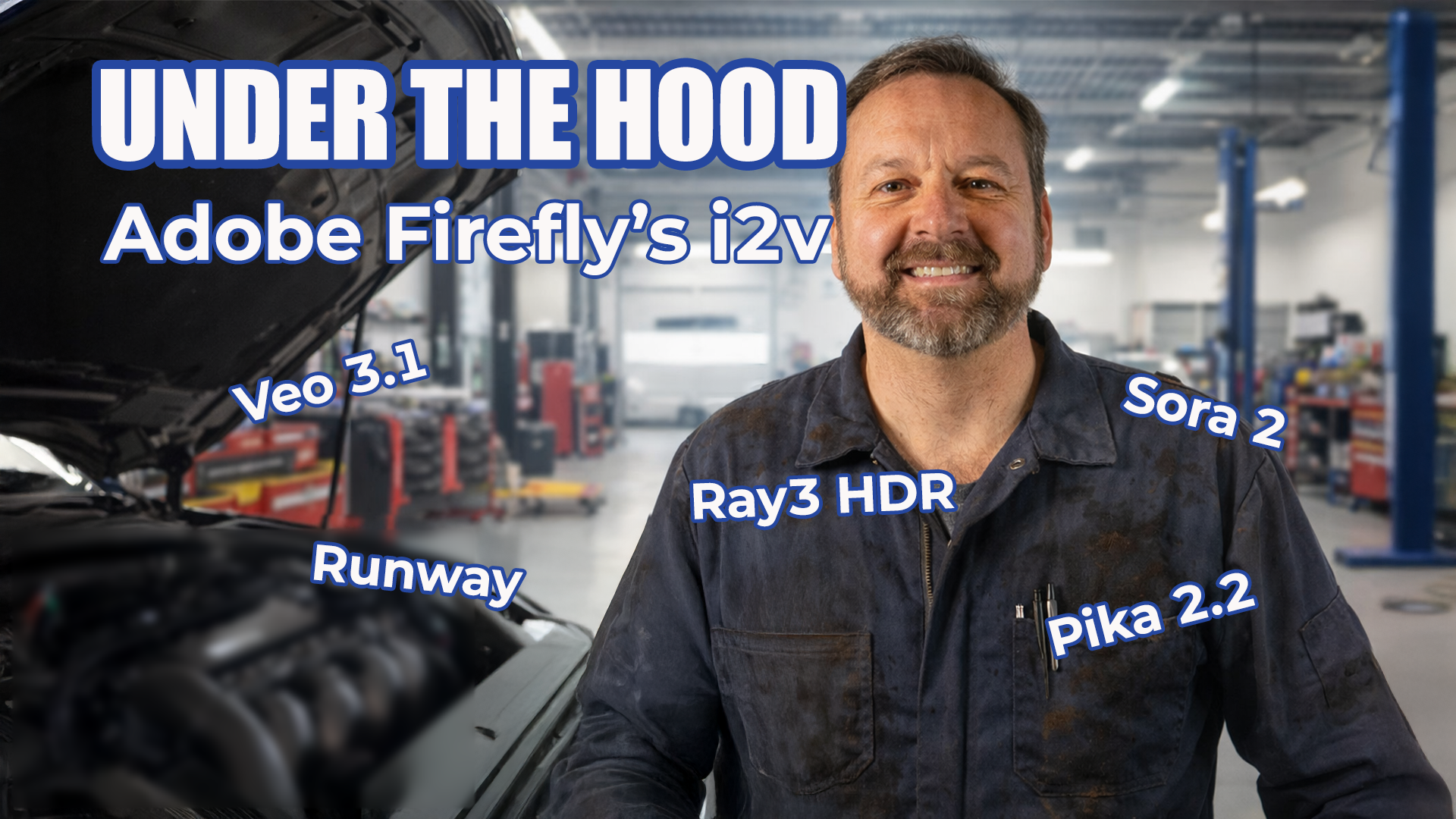
Using that same image and prompt, I tested Veo 3.1 from Google DeepMind, Sora 2 from OpenAI, Pika 2.2 from Pika Labs, Ray3 HDR from Luma AI, and Gen-4.5 from Runway. Each model varied in cost, render time, and output quality. Some produced excellent atmospheric motion but ignored details. Others followed part of the prompt while introducing unexpected visual elements. A few delivered usable results quickly but at a higher credit cost.
The key difference wasn’t raw visual quality—it was how well each model handled restraint. You can see the actual video clips and other details in the accompanying video.
Bottom line
For professional content systems, the hardest thing isn’t creating motion, but it’s often knowing how little motion is enough.
A simple text prompt and a sample image can go a long way. These short, subtle clips can work well as transitions, background plates, or end-of-video visuals, especially when text or disclosures need to sit on top of motion without distraction.
When used thoughtfully, AI-generated video doesn’t have to be flashy to be valuable.